Find out about the dig before the landowner calls.
Pipeline Threat Alert looks along your segments every week and flags machinery and material laydown near the buried line, so an inspector can go while the equipment is still there.
- GSD
- ≤0.5 m (VHR)
- Cadence
- Weekly
- Platform
- VHR satellite / aerial
- Spectral
- RGB
Where the ticket list and the patrol run out
The 811 tickets tell you who called. The patrol tells you what the pilot or the line walker saw on the day. Neither tells you about the crew that never called, working on a stretch nobody was scheduled to look at. That one comes in as a landowner's phone call, a neighbour's complaint, or a trench someone notices after the fact.
You are left with a list of tickets, a patrol calendar and a segment where something may be happening, and no way to rank the next dispatch except by what you heard last.
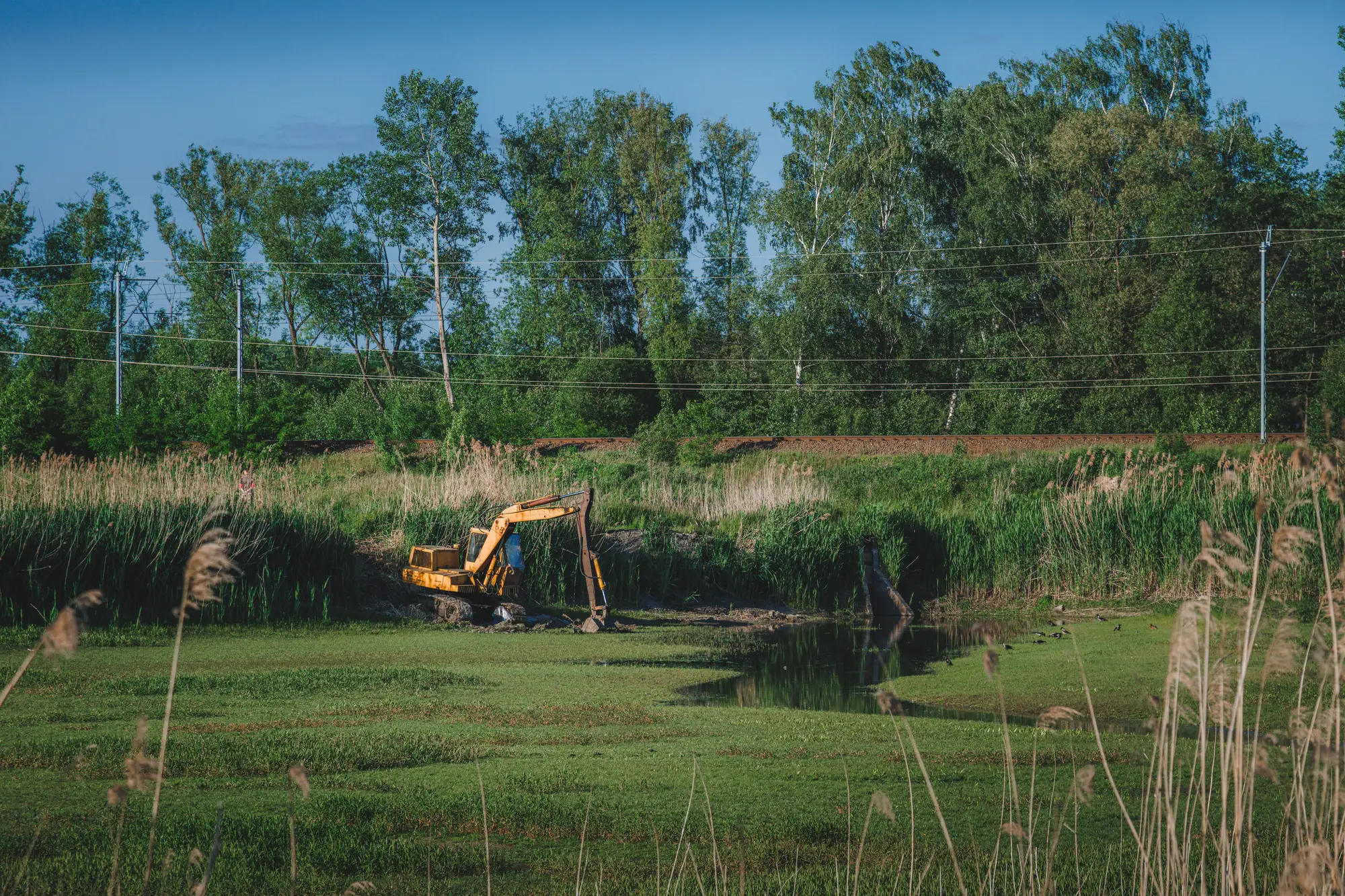
Exhibit B
The weekly dispatch, step by step
Hearing that digging has started
Calls and patrolsA landowner calls, a ticket comes in, or a patrol happens to cover the segment while the machine is there.
With Pipeline Threat AlertEach week's imagery is checked along your segments, and machinery and laydown near the line are flagged in a dated briefing.
Deciding which segment gets an inspector
Calls and patrolsYou go on the tickets you hold, the patrol schedule and whatever you heard recently.
With Pipeline Threat AlertThe briefing lists the flagged segments for the week, so you can rank the dispatch from what the imagery shows.
Seeing what is new
Calls and patrolsYou compare against your memory of the last patrol or the last report.
With Pipeline Threat AlertA prior-week comparison separates new activity from what was already there.
Locating the activity
Calls and patrolsYou get a description over the phone, a cross street, or a rough mile marker.
With Pipeline Threat AlertEach detection comes with a location inside the segment, so the inspector knows where to look.
Recording that you looked
Calls and patrolsA patrol log entry, a ticket note, a call record.
With Pipeline Threat AlertA dated briefing per segment goes in the file next to them.
Confirming what it is
Calls and patrolsThe inspector goes out and sees.
With Pipeline Threat AlertThe same, with a place to start.
Still yoursField verification, talking to the excavator or the landowner, locating and marking, the stop-work call and every decision about the line.
What lands in the dispatch file
Weekly flagged-segment briefing
Dated briefing per segment
Each week, a briefing for every segment that had a flag, so you can send an inspector to the right ones.
Ledger row: Deciding which segment gets an inspector
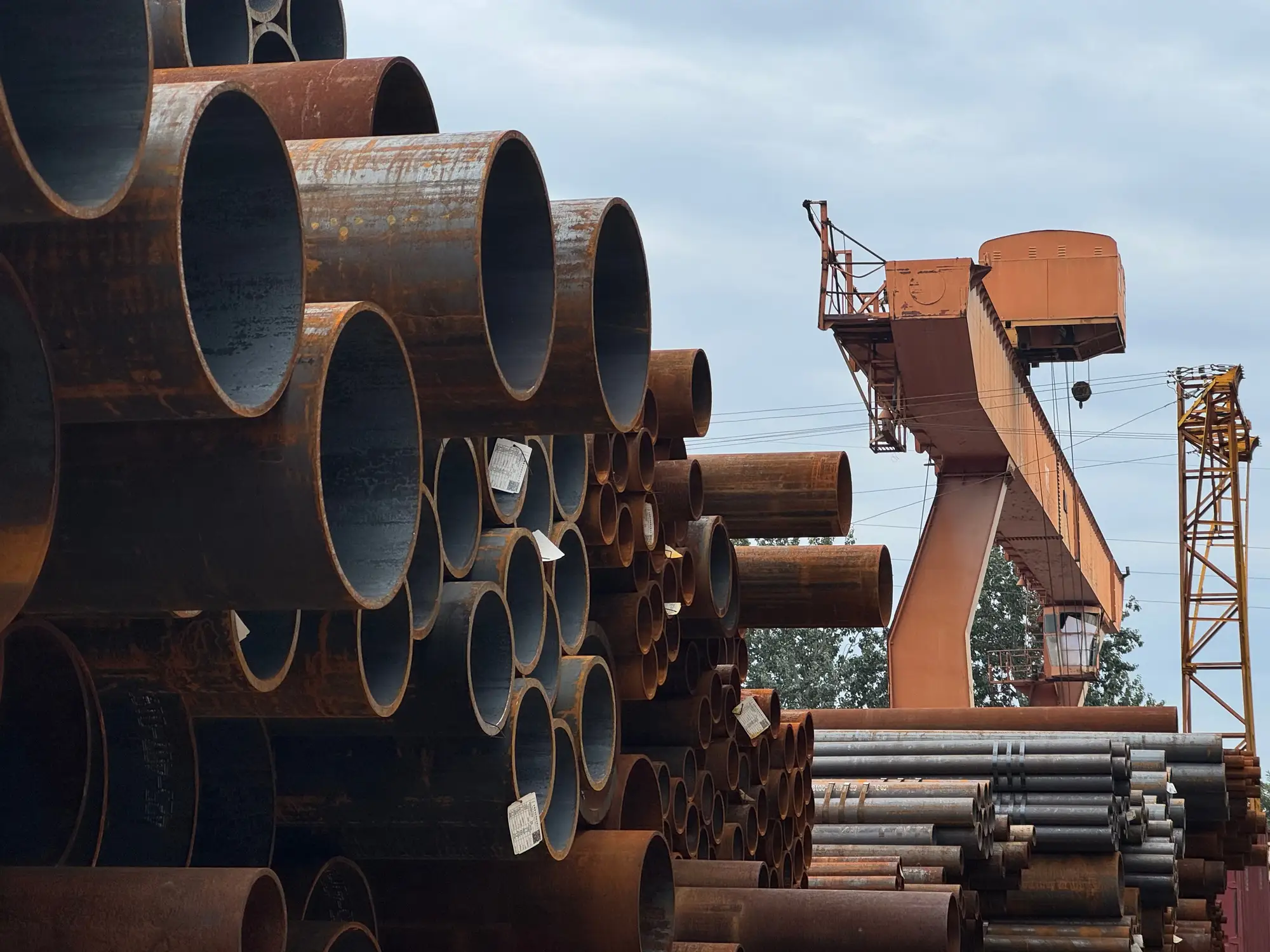
Machinery and laydown detections
Located detections
Machinery and material laydown seen near the buried asset, each with a location in the corridor.
Ledger row: Locating the activity
Prior-week comparison
New against last pass
What is new since the last pass on the segment.
Ledger row: Seeing what is new
A week on the watch list
A week begins with the segments you defined. We take a pass along each, flag what it shows and send the briefing for you to dispatch from. The cycle repeats on the same segments next week.
Define your segments
Send the segments in your own scheme, or the centerline and the names you use for them.
Weekly pass
We take or pull a VHR pass along each segment at 0.5 m or finer, satellite or aerial.
Detect
Machinery and material laydown near the line are flagged, and routine farm or landscaping equipment is not what we go after.
Briefing for dispatch
You get the dated briefing for each flagged segment, with the prior week alongside.
Limits
It tells you what was there on the pass
The briefing reflects the day of the pass. Equipment that arrives and leaves between two weekly passes is not seen, and the page does not promise a notice the moment a machine arrives.
Cloud over a segment
Optical imagery needs a clear view. A cloudy segment carries to the next weekly pass, and the briefing says which ones were not seen.
Resolution floor
At 0.5 m a pixel is about 20 inches across. A tracked excavator or a stack of pipe shows up. A pickup, a hand crew or a survey stake does not.
It cannot tell intent
A flag means a machine or a laydown sits near the line. It does not say whether the crew has a ticket, a locate or an agreement. That is for your inspector to find out.
It does not stop a strike
The briefing surfaces activity for you to inspect. It does not call the excavator, the landowner or the one-call centre, and it does not prevent a dig-in on its own.
Who it's for
Switch if
- You dispatch inspectors across a network and learn about digging from calls and tickets
- You want a dated record that each segment you list was looked at on the weekly pass
- Your patrol schedule leaves stretches unseen for long periods
Stay with calls and patrols if
- You need a notice the moment equipment shows up
- Your threat is small hand crews, stakes or fence work
- You want someone to contact the excavator or landowner for you
Questions before you add a segment
Does this replace our right-of-way patrol?
No. The patrol stays, and so do tickets and landowner calls. The briefing adds a weekly look at every segment you list, so you can point the patrol where something has changed.
Does it prevent a strike?
No. It surfaces machinery and laydown so your team can inspect and step in. Nothing here acts for you.
How soon after digging starts will we know?
On the next weekly pass, once the briefing is out. It is tied to the pass, not to the moment equipment arrives.
What counts as a detection?
Visible machinery or material laydown near the corridor. Routine farm or landscaping equipment is not the target.
What if a segment is cloudy that week?
It carries to the next pass, and the briefing lists it as not seen.
How do we check it against our own records?
Take a few weeks of tickets and patrol notes on segments you know, and compare what the briefings flagged with what your inspectors found.
Do you contact the landowner or the excavator?
No. Detections are for your inspection team to act on.
Will it open in our GIS and dispatch system?
We deliver files for you to load. We don't write into your systems.
Who owns the imagery and the briefings?
Ownership and licence terms are agreed in writing when you get started. If your legal team needs them earlier, ask.
How is it bought and priced?
Tell us how your network is divided into segments and we'll talk through scope and price from there.
Add your segments to the watch list.
Send us the segments you dispatch on. We'll tell you what the imagery can show along them.